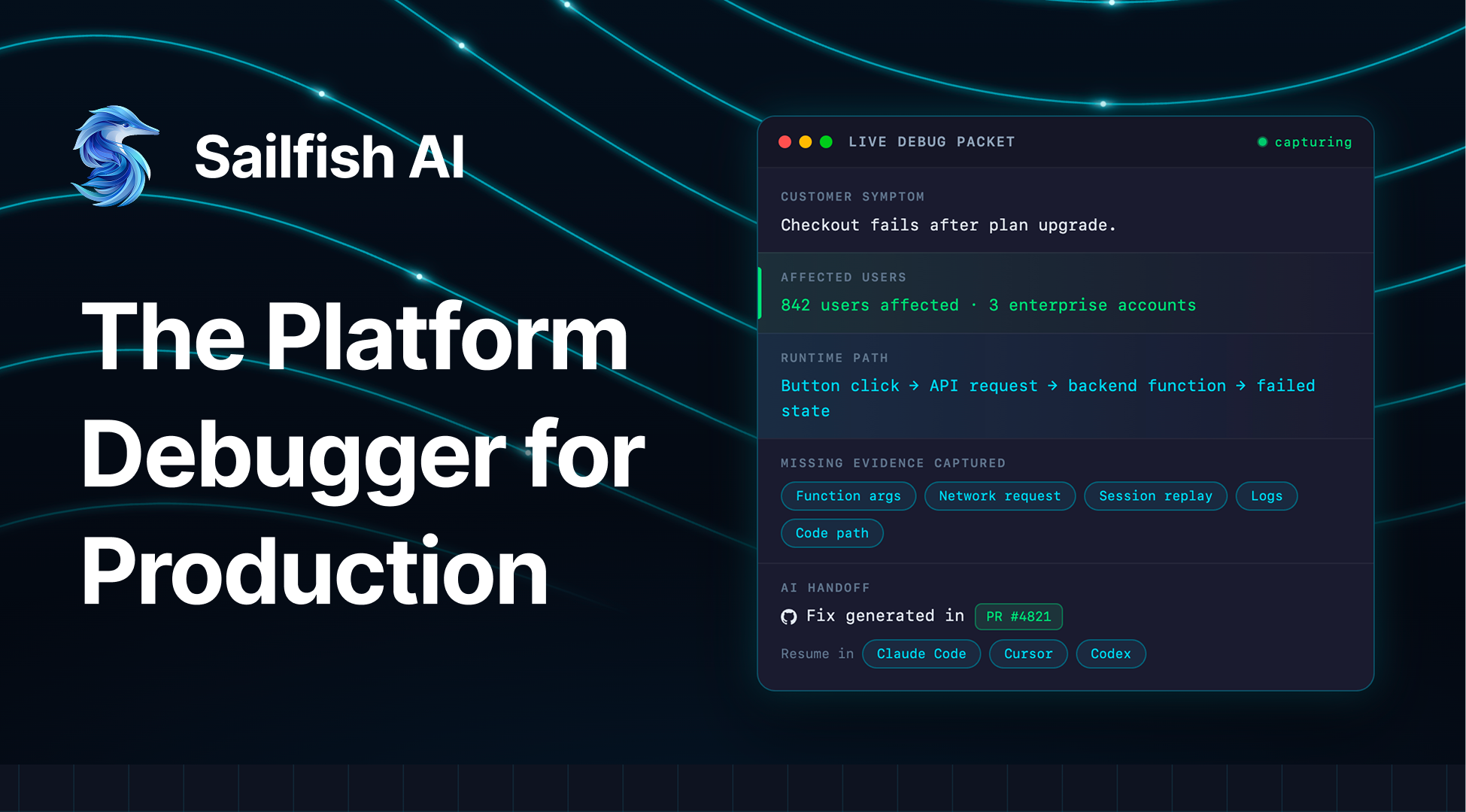
An investigation timeline for an early-stage AI debugging platform, helping engineers trace production issues across events, recordings and logs.
Scene 01 Design Process Walkthrough This video demonstrates the process behind building User-Centric Timeline from understanding complex debugging workflows and user needs to creating a scalable experience that helps teams investigate issues
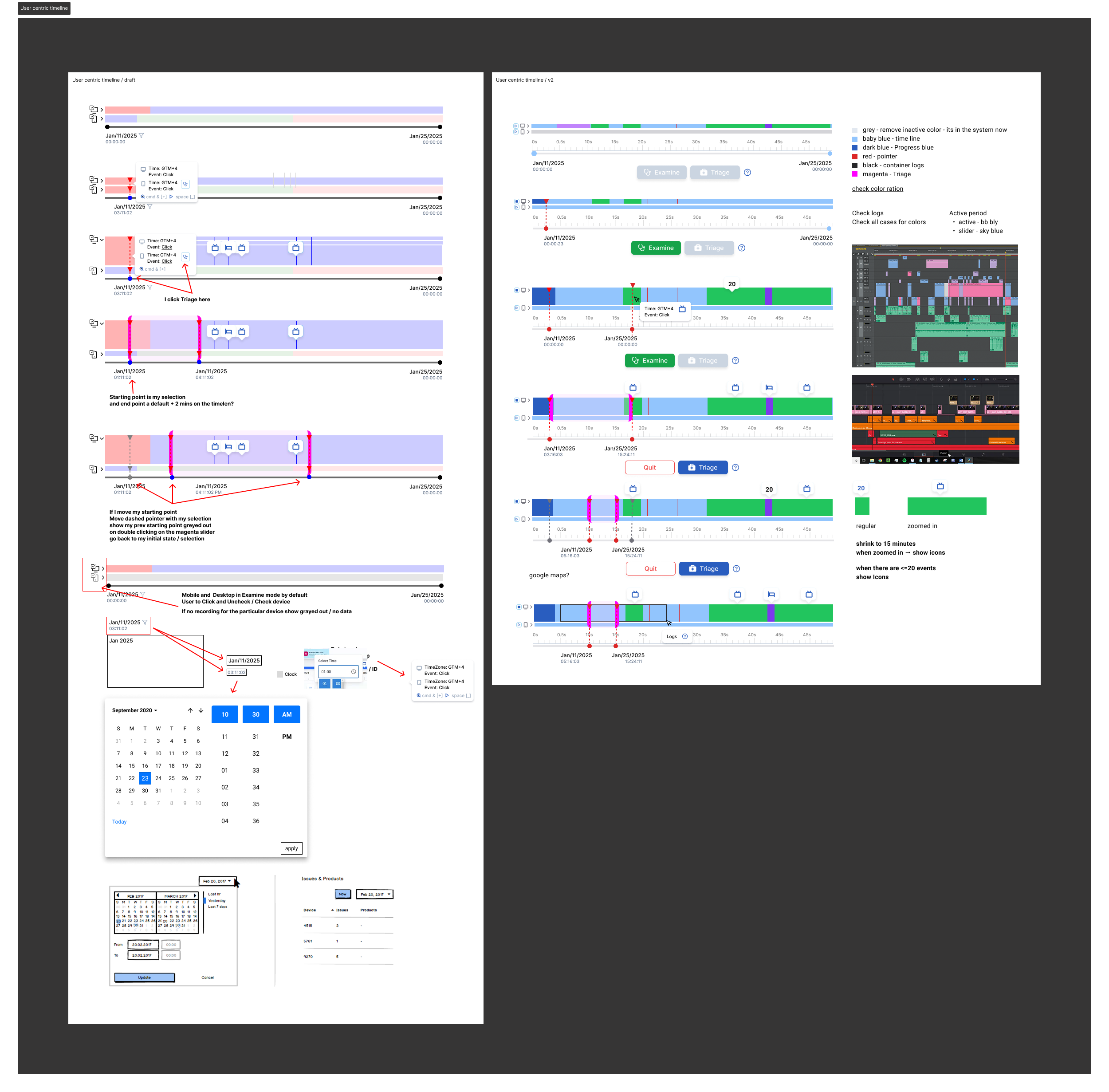
Scene 01 Feature research & Ideation
With very few comparable products available, I researched timeline interactions from professional video editing software to understand how complex, time-based information can be visualized and navigated efficiently. Through multiple iterations, I explored event hierarchy, zoom behavior, markers, color systems, and contextual actions to create a timeline that scales from high-level overviews to detailed investigations.
I researched professional video editing tools such as Adobe Premiere Pro and DaVinci Resolve, analyzing how they handle zooming, navigation, markers, layering, and event density. Although the context differs, these applications have refined timeline interactions over many years and provided valuable inspiration for solving similar visualization problems.
Based on this research, I iterated through multiple concepts to evaluate:
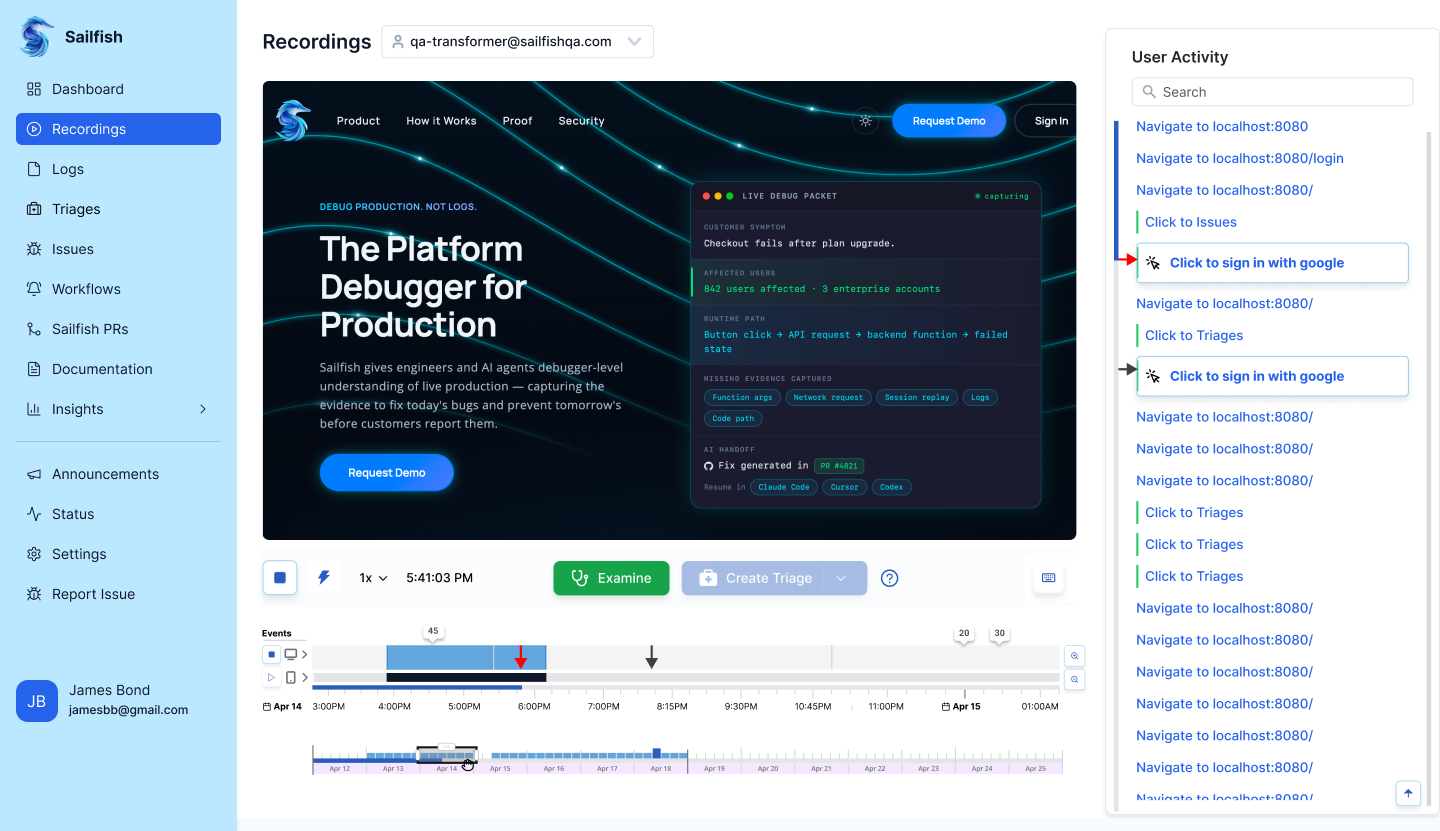
Scene 03 Recording Page UI design
Confidentiality Note
This case study does not include all product screens or implementation details due to confidentiality.
It focuses on the design process, key workflows, and decision-making.